Delete A Task
The following explains the steps to delete a Task,
-
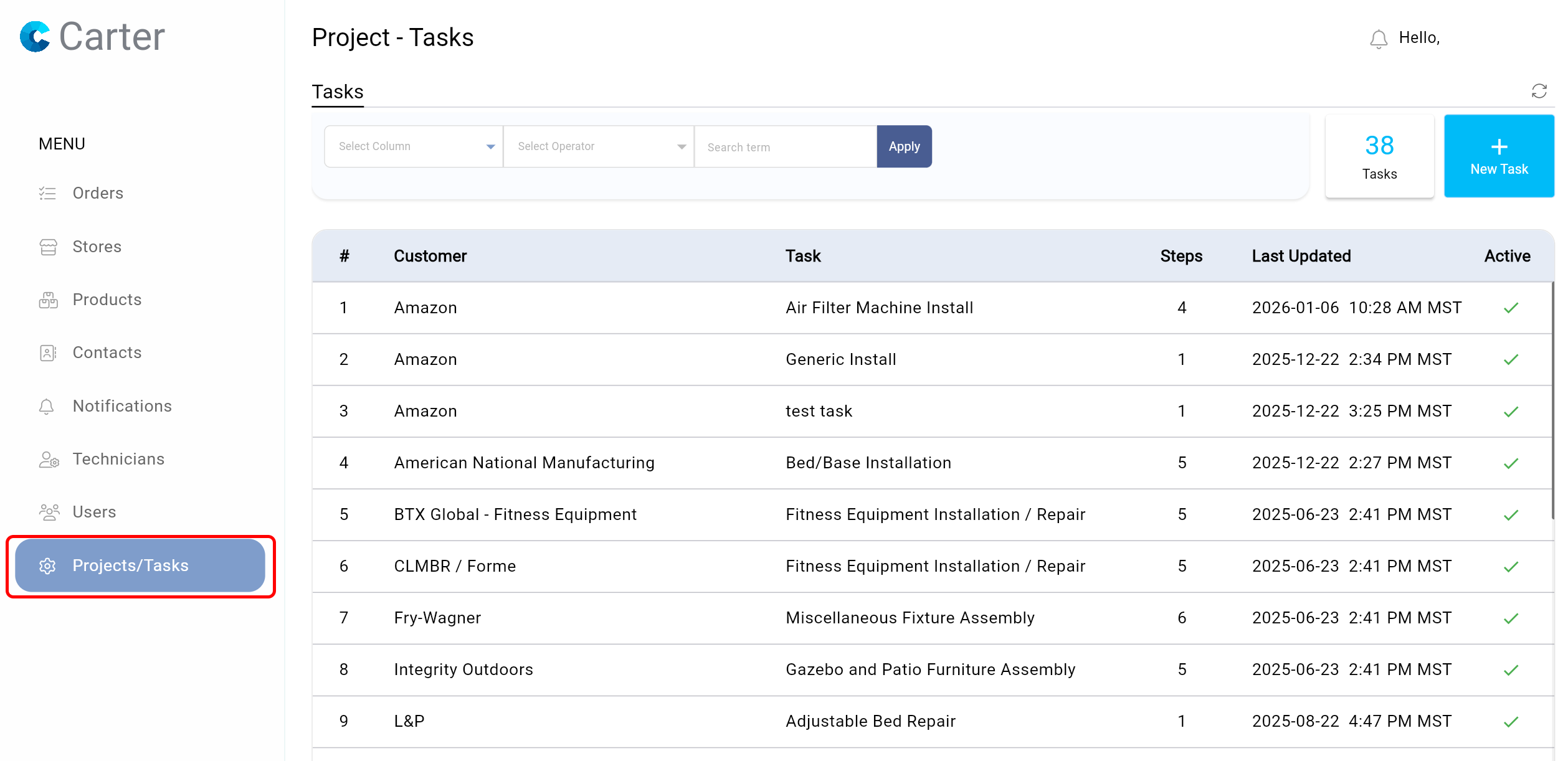
Navigate to the Projects/Tasks moduel via the main menu.
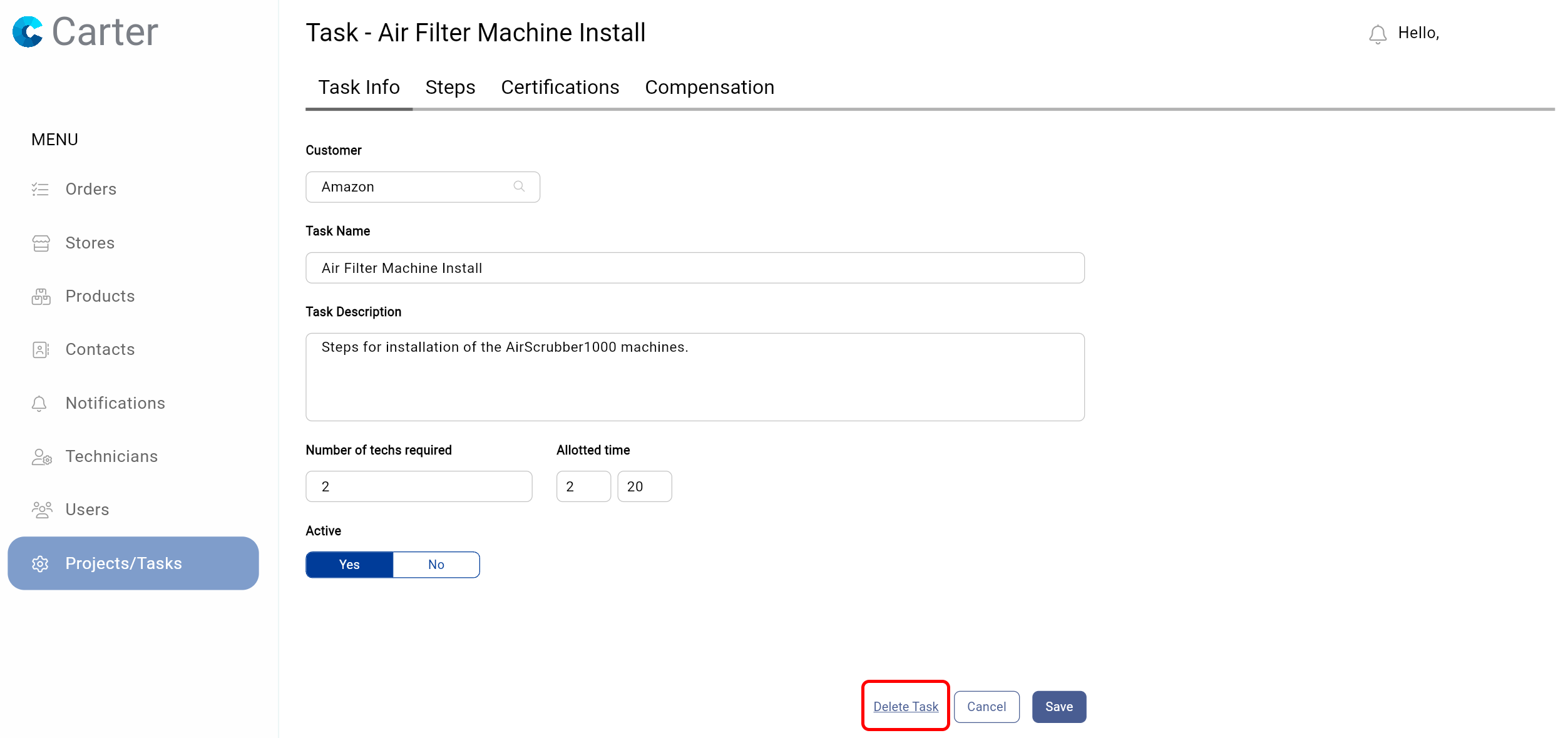
- Click on the Task you want to delete. At the bottom of the screen, click Delete Task.
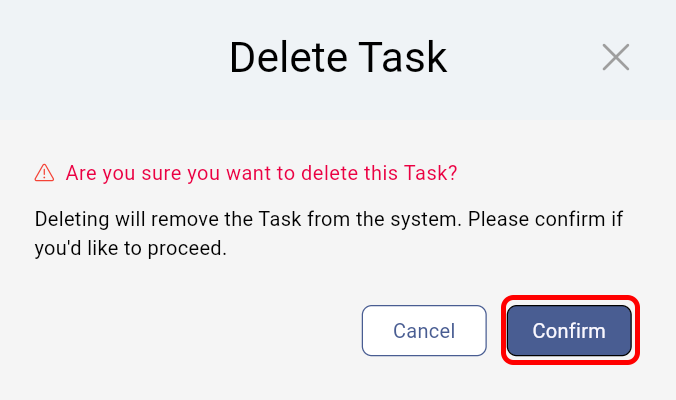
- Click confirm to delete the task.

The following explains the steps to delete a Task,
Navigate to the Projects/Tasks moduel via the main menu.
Still need help? Contact Us Contact Us